Feature
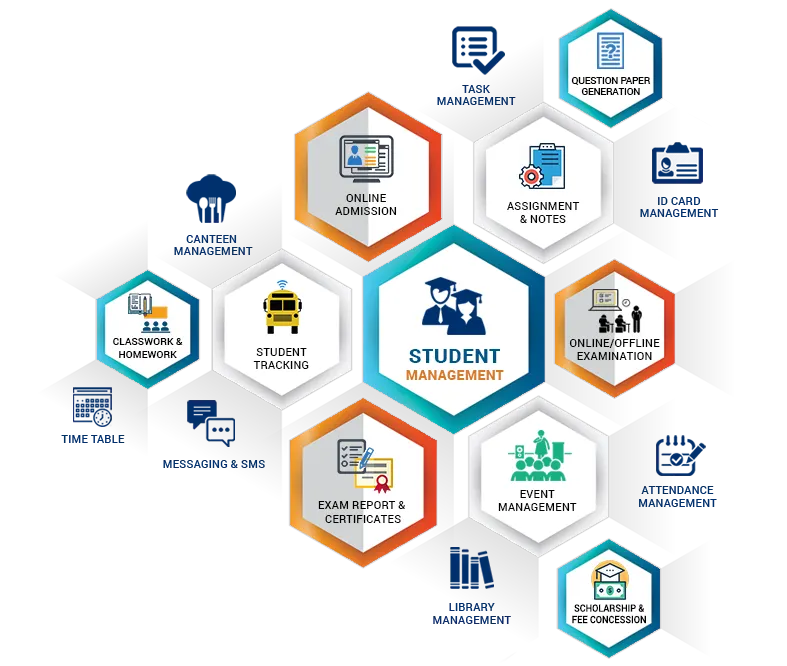
Our school ERP is a product of a technical and potent educational software development domain, our software is user-friendly and affordable; it can be a great help to school staff in coping with their daily activities. From the admission process to the customized fee management, the software is highly valued by teachers and educational specialists. EduStrings software versions have various essential features, here are some of the most frequently used ones offered by the software:
- Simple and quick attendance marking with SMS notifications for present and absent
- The management of several branches is supported with only one login
- Safe and trustworthy
- Biometric/RFID attendance integrated for workers
- Android application for parents, teachers, and staff
- Management of admissions
- Define sessions/classes/subjects according to school requirements
- Totally flexible
- Timetable management with more than 20 modules
- Parents’ module for improved monitoring of students’ performance
- Financial management
- Use of modern GPS technology in managing school transport
- Free updates for lifetime
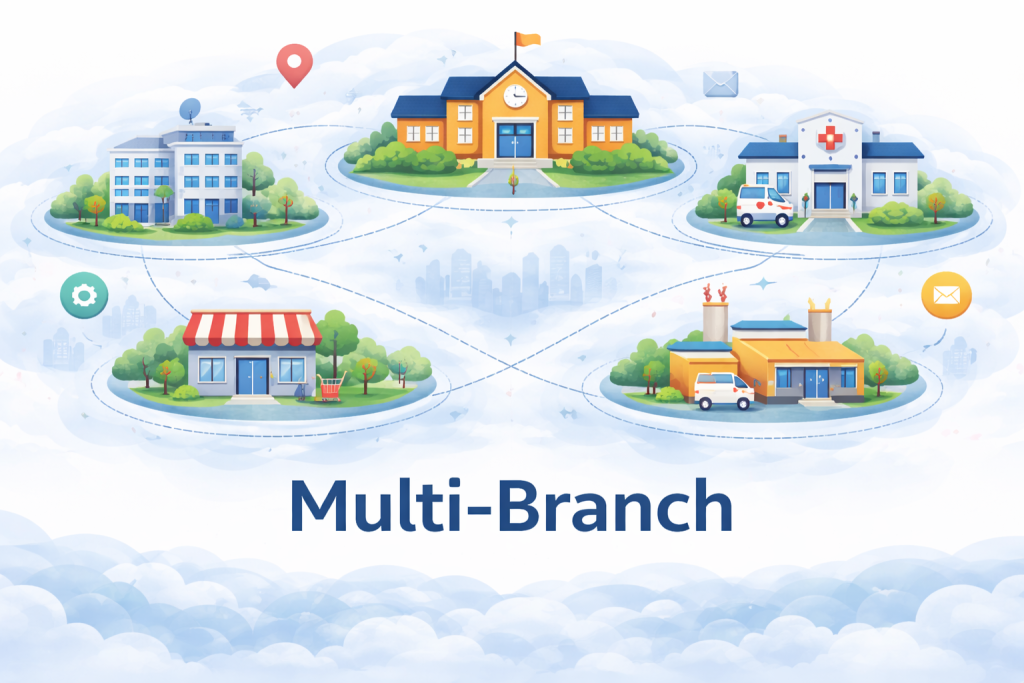
Multi Branches
It is well-known that a school can have several branches, which is why different branches need to be managed differently by a separate principal, as well as other logins. However, major stack holders like director, administrator should be able to access the data and reports like branch-wise expanse, student strength, employee performance, etc. from a single login. Our software understands these needs quite well and hence, such a problem can easily be solved in the EduStrings enterprise version. This feature is very beneficial for school directors; it is cost-effective and user-friendly.
Principal, account, teachers, parents, library, and reception users specific to a branch have access to the data related to their branch and more specifically, and they cannot access other branches’ data. However, the administrator/director can access all branches’ data through a single login.
- Access overall performance details of all branches from one login
- Define separate teacher and principle login for each branch
- Customize reports and logo setting for each branch
- Pay for one and get additional 2 free
SMS Notification

Most systems use SMS notifications to communicate essential information, SMS communication is a fast and cost-effective method. Rather than sending notices/reminders through the mail, school personnel could take advantage of EduStrings SMS alerts; our ERP has advanced SMS sending options that can be used to update parents, school teachers, the principal, and other staff. A few of the notifications via SMS are listed below.
- Holiday or school closing alerts
- Notification of due or pending fees to parents
- Notification of student’s absence to parents
- Alerts for all staff or only teachers
- Teacher replacement when staff are absent
- Leave request
- Notice to be added for students of a particular class
- Notice to be added for parents only
Fee Management
The collection of fees is a crucial aspect of account management; Students’ fees are usually broken down into several categories such as admission fees, tuition fees, transport fees, exam fee etc. The school may also decide to offer special discounts to students depending on different quotas. EduStrings ERP is the perfect fit for school fee collection, it has many options for fee customization and makes the whole process transparent and secured. Below are the key features of the EduStrings fee collection module:
- Automatic calculation of the fee as per the class and discount quota
- Automatic addition of late fee as per the defined fee due date
- Provision of fee discount in terms of percentage and fixed amount
- Transport fee calculation based on stops and fixed amount
- Acceptance of partial or full payment for fees
- One-click option for the waiver of late fees
- Planning of fee heads for specific months
- Customized printing of fee receipt
- Multiple modes of payment supported like cheque, cash, draft, online, etc.)
- Receiving online fee from parents (optional)
- Previous dues and month-wise details of the dues
- Automated SMS of due fee to parents
- Complete history of payments received in the given session

Attendance
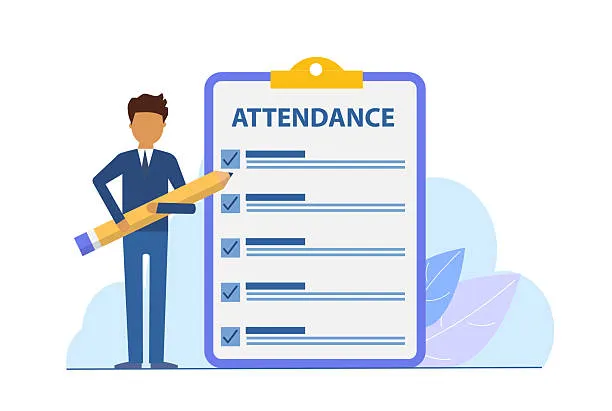
Maintaining the daily attendance records of students and staff members is another usual task for the school, this record being useful for the school administration and the parents of the students alike. Generally, the school administration follows some cumbersome processes like maintaining registers for attendance etc. which are time-consuming and unproductive when it comes to acquiring complex information, such as if the administration wants to have the list of students absent last week or students who are absent for three consecutive days, manual processing becomes very difficult. The school ERP not only makes this function smooth and easy, but it is also eco-friendly and saves the extra overhead of maintaining several registers or attendance logbooks. EduStrings ERP offers numerous valuable features like the one listed below.
- Marking of student attendance and sending alert SMS for absent student in one click
- Marking of staff attendance
- Smooth integration with RFID tools
- Extensive and adjustable reporting
- Attendance reports of each section and student in Present / Absent category
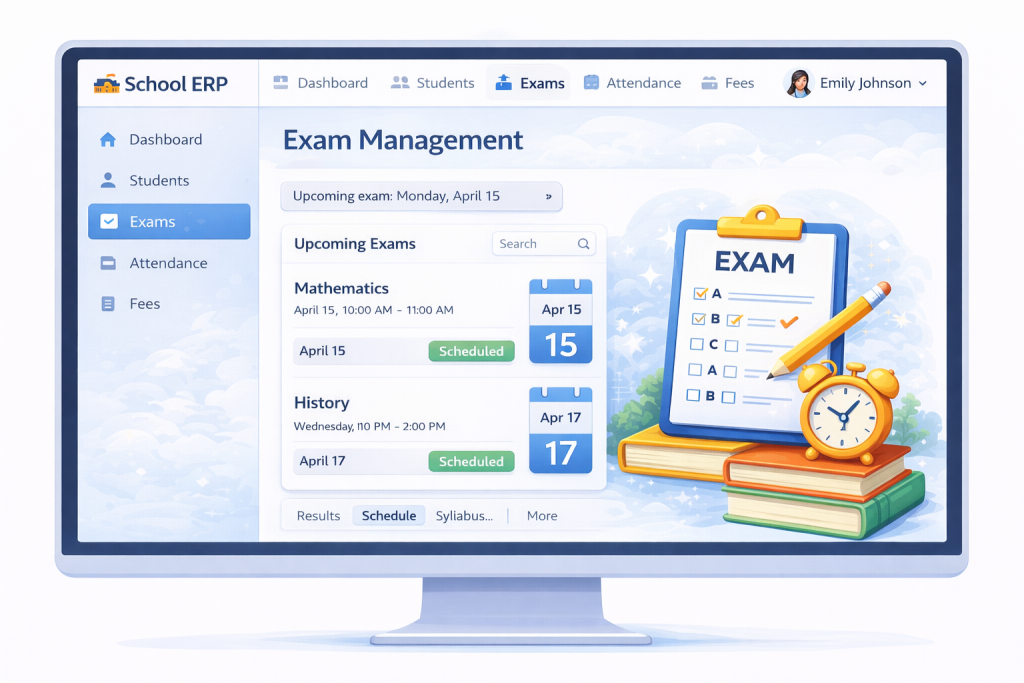
Exam Management
Planning of examinations and the generation of results are quite typically the events in schools that take up a lot of staff time and are considered by school administrators as a daunting task and fraught with errors. However, EduStrings ERP can make the examination process error-free and flexible. EduStrings ERP offers the flexibility of grading and marking scheme; moreover, only teachers assigned to the subject can update results, making the entire process transparent and secure. Below are some key features of the examination module:
- Create and release mark sheet
- Set different kinds of assessments like periodical test, notebook test among others.
- Flexible evaluation system, determine weightage, minimum, maximum marks and occurrence frequency
- Acknowledge CBCE grading system and regional pattern as well
- Incorporate more than one optional subjects, simply distribute chosen subject to be reported
- Have access to reports that include unit test scores, averages, total, weighted average and consolidated results
- Establish sub-evaluations for main evaluations with their respective weight and generate report based on that
- Determine (minimum, maximum and passing) exam timetable for varied sub-evaluations/subjects for every class group, denote criteria for generating performance
- Secure exam results from unauthorized alterations by locking them up
Mobile App
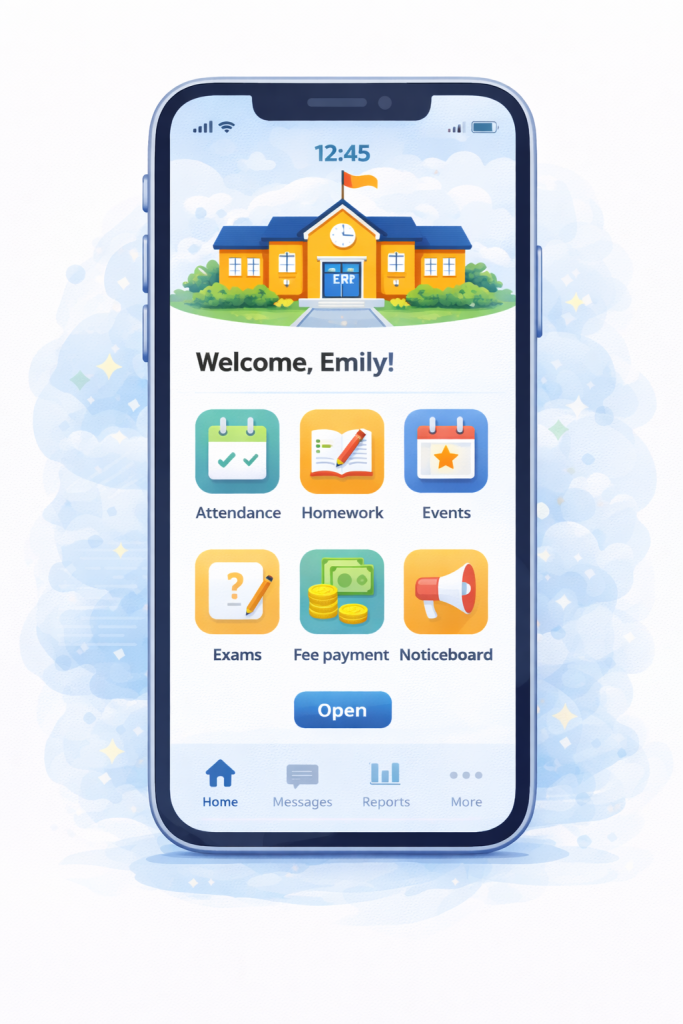
In the time of smartphones, it is actually a necessity for any ERP system to support providing such information through mobile communication that is useful. Smartphone notifications of child attendance, report card, and homework are some ways by which parents trust school administration more. EduStrings ERP has a mobile app for teachers, school heads, parents, and directors on the android platform. The mobile application is built on the latest technology and conveys the information in the most efficient way. The Android app by EduStrings has some of the following key features:
- View student strength graph, attendance, collected fee, events, timetables
- View staff leave history, staff attendance, holiday , bus tracking
- View child monthly attendance, pending fee, school notices
- View student daily homework and remarks
- Mark student attendance using teacher app
- Teacher App for easy attendance
- Check Bus tracking via GPS or conductor app
School Calendar
The capability to make known yearly event plan and important notification for school is significant in maintaining the communication between parents and school staff. The use of EduStrings ERP decreases paperwork and broadens the circulation of information to outside the school. With EduStrings ERP, an administrator can assign different color codes to events, and the school calendar can be accessed from personal logins as well as the school website. Being dynamic, it ensures a very smooth user interaction, here are the advantages of the school calendar feature.
- View annual school event plan
- View details by week and month
- Visible to all stakeholders like principal, parents and teachers
- Automatically update event calendar on school website
- Differentiate easily with multiple color coding
Administration

Admin view forms the foundation of every ERP as the administration module offers flexibility for defining and customising all features of the software such as class schedule, education levels, salary structure, leave types, fee types, etc. EduStrings ERP allows the user to determine the building blocks according to the school’s requirements, as a result, almost everything is user-defined and controlled by the software administrator. Usually, school software is equipped with fixed templates that may not suit the needs of the school, but with EduStrings ERP, one gets the flexibility and control over the information structure.
- During each phase, individual modules can be easily monitored for performance.
- The system lets you specify numerous branches, along with their respective login information.
- Data access has been improved in terms of security and authorization.
- You can specify different types of employees.
- You can control the distribution of employees and their workload.
- Set the timing for automated SMS notifications.
- Create and manage several sessions.
- Specify the category for groups and subjects.
- Indicate the different classes and sections.
- Create a class schedule and carry out the management of students.
- The processes that relied on people have been completely wiped out.
- RFID and GPS support for automatic tracking of transport and taking attendance has been incorporated.
Teacher Module
Teachers are considered the basic unit of any educational institution. With the help of technology, they are able to monitor and guide students and at the same time make their work more efficient through good time management. A teacher is needed to set work, take attendance, and carry out assessments. EduStrings ERP offers teacher modules to support these tasks in an easy-to-use format. The teacher module ensures proper information sharing between parents and school and also enhances communication between school management and parents. Below are the main activities that can be performed through the teacher module-
- Ability to upload student homework and assignment
- Ability to update student digital diary for everyday remark or observation
- Ability to take attendance
- Ability to upload exam result for further verification
- Ability to apply leave
- View salary statements
- View school yearly event plan via calendar
- View assigned substitution and own timetable

Parent Module
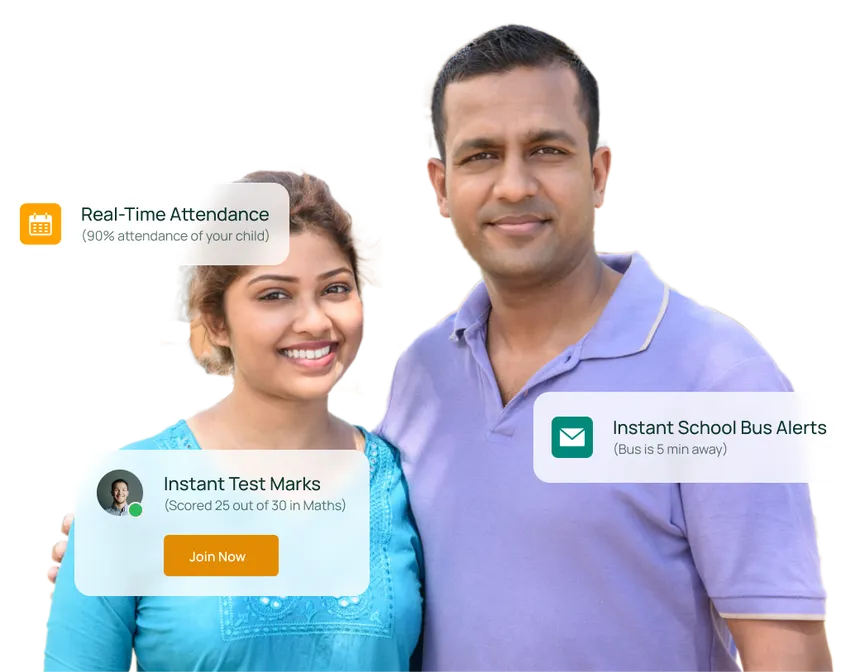
It is essential to keep parents informed about student progress, as this is one of the main elements for successful education, Besides it is critical that parents know the child attendance, exam marks, homework. A piece of information like the emergency contact number, student’s transport details such as assigned bus, driver and conductor’s phone numbers shall be given to parents whenever they need it. EduStrings ERP provides a parent module along with necessary information, which can be accessed through the web portal as well as the android application.
- Multi Child support- No need for different login for each child
- Bus Tracking – Real time bus tracking on a map with location/area of the bus
- School Fee details- Parents can easily check details like fee paid, upcoming fee
- Amount, notifications for due fee
- Attendance- Parents get instant information about their child attendance information on a daily basis
- Absent notification- In case child is absent, parents get notification
- Parent Diary- Parent diary captures various important notification sent by school
- Management and teachers like homework, assignments, remarks,
Students Management
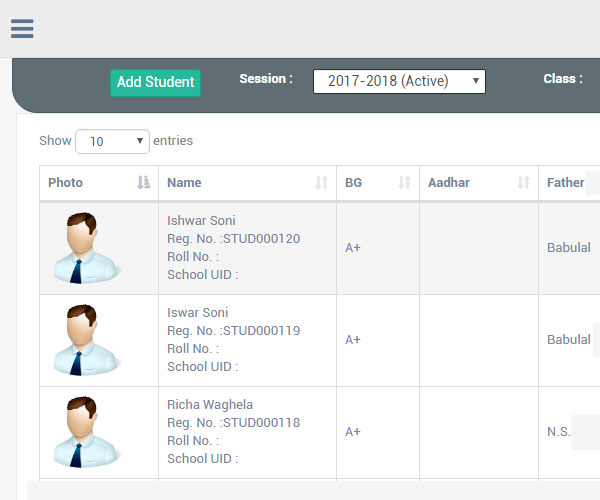
Managing student information using a register or an Excel sheet can be a hard and time-consuming job, and in addition to that, it does not offer the advanced functionalities that the EduStrings ERP software provides, which stores comprehensive detail on every student. The student module has the following features-
- The whole system of student information management is executed with the help of generated Unique ID and biometric/RFID devices for automatic student attendance.
- Assign class-section, hostel, fee quota/discount to the student.
- Choose the payment mode for the fee (Monthly/Quarterly/Half-Yearly).
- Determine the transport facility (Route/Bus/Stop).
- Get the list of students by applying various inbuilt and custom filters.
- Class Promotion: Easily promote or fail students to move class to the next session.
- Keep students’ data for several sessions.
- Add a new parent for the student or select from the existing parents and link the student with parents in one step.
Biometric/RFID integration

The biometric device used for the attendance process not only enhances the security of the software but also the verification of the information. These days, using a biometric device for an employee’s attendance is considered the best practice. EduStringsERP provides a smooth integration with a biometric device for the attendance of the employees. Our push technology simplifies the process whereby the device can instantly update the school information system. The key factors in our ERP are as follows –
- Automated attendance management for the employees
- Remote access to employee addition or deletion through software on the device
- Device compatibility – both Wifi and Lan
- Notifications to school administration via sms for present/absent
- Linking with the biometric device that is the most stable (ESSL)
Transport Management
The management of transport involves deciding on the bus route for the students’ pick-up and drop-off, monitoring the position of the bus, and allotting transport charges as well as looking after the maintenance of the vehicles. EduStrings ERP has all the necessary functionalities for the proper handling of school transportation and the transport module can manage the following features.
- Allocate bus drivers and conductors to the particular route
- Specify transportation route along with bus-pickup and bus-drop time
- Receive reminders on the dashboard for insurance due date, service due, etc.
- Transportation tracking through GPS (optional)
- Control bus tracking with GPS and conductor mobile app
- Control student transport fee on transport route and stop basis
- Enable parents to monitor moving bus, current bus position and path taken by the bus for their child.
Reception

The schools get a huge number of inquiries daily especially during the admission period. The school receptionist should have access to information such as the yearly event planning, class timetable, examination schedule, admission follow up, employee attendance and important contact numbers. Pschool has reception modules that allow the quick viewing of all this information.
- Search and view information regarding student or visitor parent.
- Search and view information regarding employee, timetable in case of teacher.
- Handle and register the follow-up details of admission inquiries.
- Obtain the list of follow-ups planned for the current day and also get and add to-do items.
- Examine the calendar of school events.
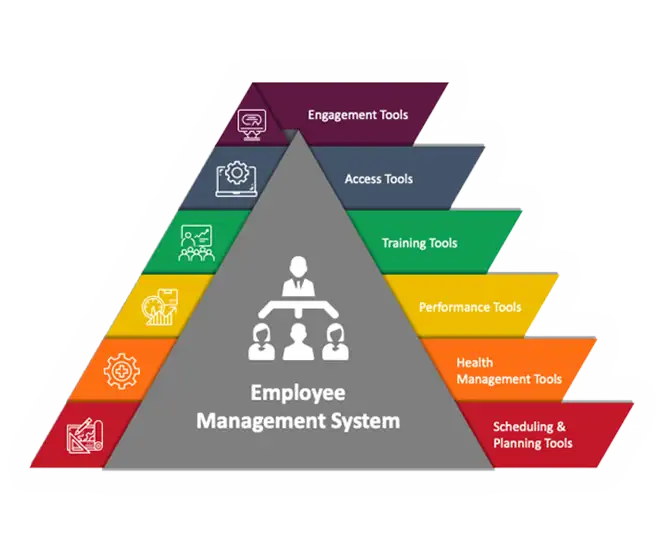
Employee Management
The implementation of software for employee management has resulted in a time-saving and a more open relation between the personnel and the school administration; the use of biometric and RFID has guaranteed that attendance is verified. EduStrings ERP offers various functionalities for handling the daily information of the employed.
- Handle complete and detailed personnel data
- Set up salary parts, perks, and regular deductions
- Turn on and off employees’ profiles when they come and go
- Submit leave requests specifying type of leave like SL/CL/EL etc. and getting authorization from admin/principal panel
- Bring in papers linked to a staff member
- Mark attendance of employees using program or biometric gadget
- Distribute subjects among instructors for different educational levels
- Supervise employee advance payments/loans